.svg)
The Workflow tab allows you to configure how booking requests interact with Jira workflows, including conflict detection, conflict linking, and automatic approval.
Confirmed Statuses
Select the Jira statuses that represent confirmed bookings.
Only booking requests in these statuses are considered when checking resource availability and detecting conflicts.
For example, you can select Approved and In Progress as confirmed statuses while excluding Rejected and Cancelled.
Link Conflicts
Enable Link conflicts to automatically link booking requests that have overlapping reservations.
-
Link conflicts: Enable or disable automatic conflict linking.
-
Link type: Select the Jira issue link type used to connect conflicting requests.
Conflicts are checked when the Start, End, Booking, or Status field of a booking request is updated.
Only bookings in confirmed statuses are considered when detecting conflicts.
Auto-Approval
Enable Auto-Approval to automatically approve or reject booking requests based on resource availability.
Configure the following settings:
-
Trigger Status: Jira status that triggers the automatic approval process.
-
Approved: Target status when no conflict is detected.
-
Rejected: Target status when a conflict is detected.
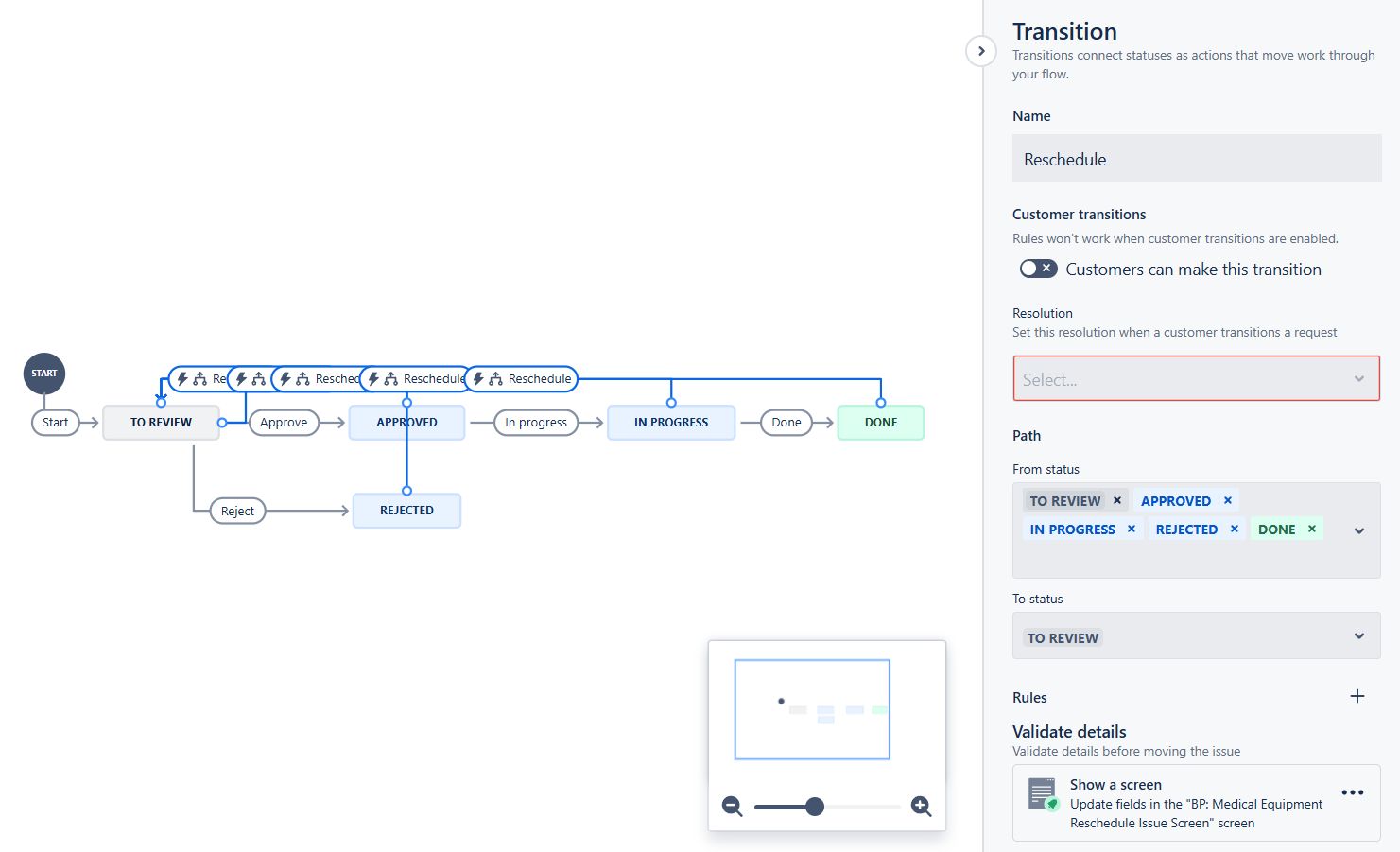
When a booking request reaches the trigger status, Booking checks for conflicts and transitions the work item to the corresponding status.
Tip
Make sure the selected statuses and transitions are supported by your Jira workflow.